Application — High-Speed Data Test USB 3, USB-C and 10G Ethernet without throttling your data.
A USB 3.0 stream at 5 Gbps spreads its signal energy from DC to about 5 GHz, strongest near 2.5 GHz — right where WiFi, Bluetooth and cellular live. JRE's mode-selective signal-phasing filters separate the two by signal mode, not frequency, so SuperSpeed data passes clean while common-mode RF is shielded out.
Conceptual — ambient RF picked up by cables vs. inside the enclosure with common-mode RF shielded out.
- 5 Gbps → USB 3.0 passes clean — total equivalent cable under ~3 m
- 40 Gbps → Thunderbolt / USB4 with an active cable on the external side
- ~80 dB → Patented high-speed filter isolation, 50 MHz to over 6 GHz (test-system configuration)
When the data and the interference are at the same frequency.
The enclosure exists to block RF; your test signal is RF.
- USB 3, USB-C, 10GBASE-T and HDMI signal frequencies lie inside the 2.4–6 GHz band
- There is no frequency gap left to filter
- Capacitive and low-pass filtering both fail here
- High-speed interfaces send balanced differential data
- Ambient RF on the cables arrives as common mode
- Common-mode RF filtered, differential data passes
High-speed interfaces send balanced differential data; ambient RF picked up by cables arrives as common mode. The signal-phasing filters built on John Ramsey's patents pass the differential data unfiltered while the common-mode RF is low-pass filtered out — so there is no upper frequency limit on the data.
Where low-pass filtering runs out: USB 3, 10GBASE-T, HDMI and up.
Getting data across a shielded wall is a contradiction.
Getting data across a shielded wall is a contradiction. The enclosure exists to block RF; your test signal is RF. At low speeds it is easy — a 9600-baud RS-232 line sits at ~19 kHz, far below 2.4 GHz WiFi, so a feedthrough capacitor passes the data and shorts the interference. USB 2.0 (480 Mbps) and Ethernet 10/100/1000 (up to 1 Gbps) still leave a usable gap, so a low-pass filter that rolls off above 700 MHz–1 GHz works.
But USB 3.0 SuperSpeed (5 Gbps), USB-C and Thunderbolt (5–40 Gbps), 10GBASE-T Ethernet and HDMI 1.4+ all signal squarely inside the WiFi/cellular bands. There is no frequency gap left to filter. A low-pass that blocks 2.4 GHz blocks your data too. Capacitive and low-pass filtering both fail here — a fundamentally different approach is needed.
Filter that band with a low-pass and you kill the interference and the data.
Filter that band with a low-pass and you kill the interference and the data.
How JRE solves it: discriminate by mode, not frequency.
USB 3, USB-C, 10GBASE-T and HDMI signal frequencies lie inside the 2.4–6 GHz band — the same band you are trying to shield out. A low-pass filter cannot tell the data from the interference.
High-speed interfaces send balanced differential data; ambient RF picked up by cables arrives as common mode. The signal-phasing filters built on John Ramsey's patents pass the differential data unfiltered while the common-mode RF is low-pass filtered out — so there is no upper frequency limit on the data.
Fiber gives total isolation but breaks the conductive path, so USB enumeration, handshaking and power delivery stop working.
The JRE filters are fully passive copper-through interfaces. The link enumerates, handshakes and delivers power normally — you keep a real, compliant connection across the wall.
The filter looks like roughly 1 to 1.5 meters of cable, and it discriminates by signal mode — so it does not care whether you run 5 Gbps or 40 Gbps.
- 5 Gbps → USB 3.0 passes clean — total equivalent cable under ~3 m
- 40 Gbps → Thunderbolt / USB4 with an active cable on the external side
- ~80 dB → Patented high-speed filter isolation, 50 MHz to over 6 GHz (test-system configuration)
The filter looks like roughly 1 to 1.5 meters of cable, and it discriminates by signal mode — so it does not care whether you run 5 Gbps or 40 Gbps.
Source: Understanding data signals through filtered I/O. Keep cables short and well-shielded; the mode-selective filters reach maximum isolation when the differential pair is well balanced. For lower-speed gear, the LAN-1 low-pass can outperform the 10G filter because it does not depend on balance.
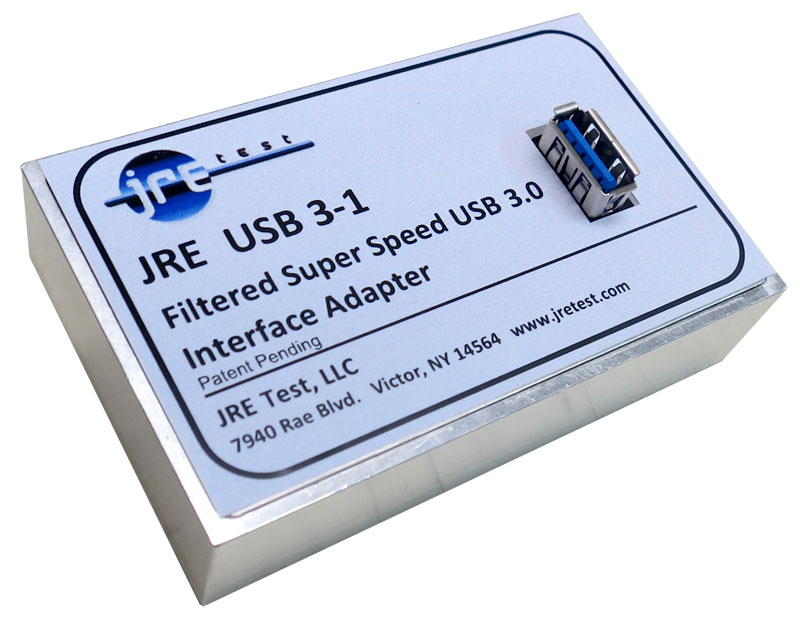
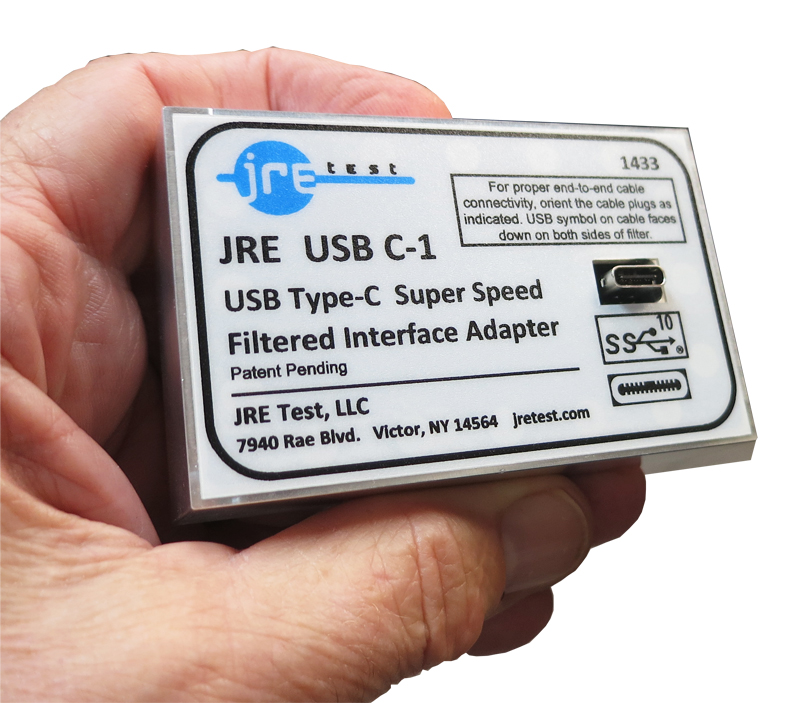
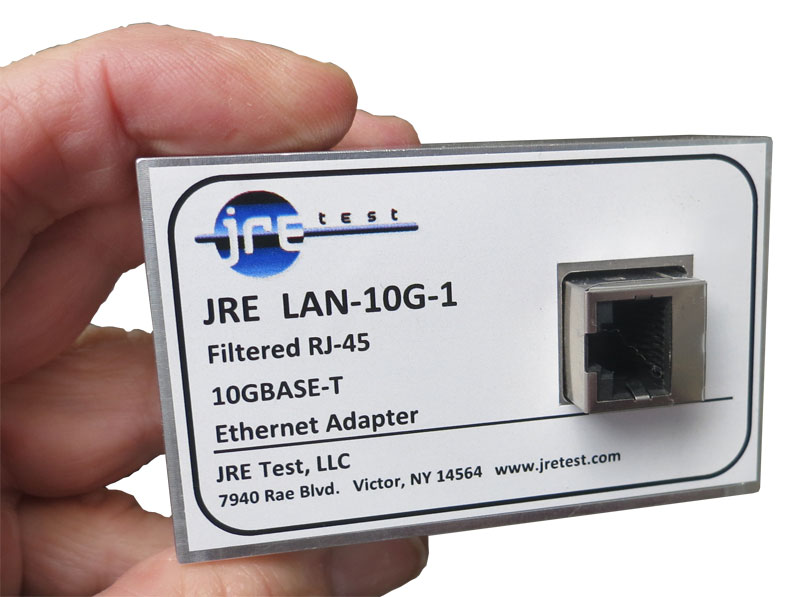
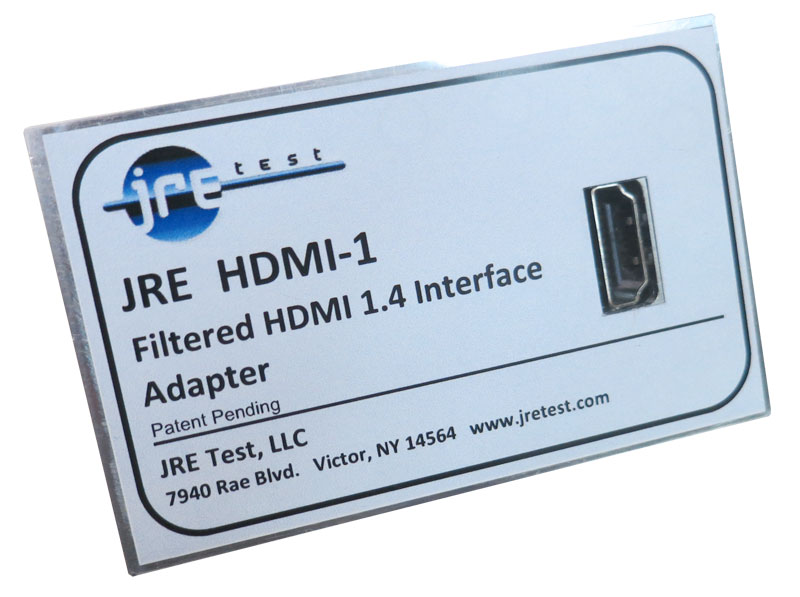
The interfaces for your protocol
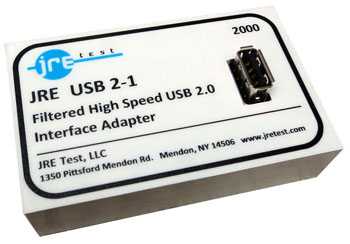
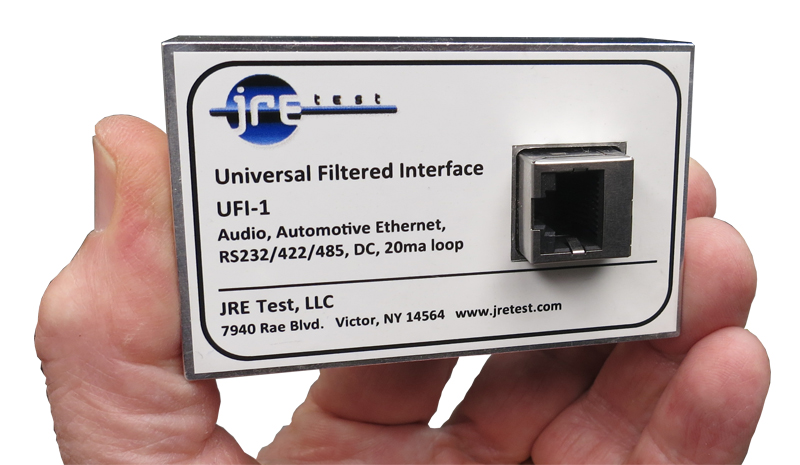
Every price is published. Add the filters you need to a single combined inquiry — no cart, no checkout.
-
-
-
-
-
-


Frequently asked questions
At those rates, the wanted data occupies the same frequency bands as the RF interference. A low-pass filter that removes the interference would remove the data too.
They discriminate by signal mode. Balanced differential data passes unfiltered, while common-mode RF picked up by the cable is low-pass filtered out.
Yes. They are copper-through interfaces, so the link enumerates, handshakes and delivers power normally. Cable quality, balance and total length still affect the achieved data rate.
Go deeper — engineering guides
- Understanding data signals through filtered I/O The three filtering approaches — capacitive, low-pass, signal-phasing — and when each one applies.
- USB-3 and USB-C special considerations Cable length vs. speed, active cables, and why the passive filter looks like ~1–1.5 m of cable.
- The effect of adding multiple I/O filters The weakest-link principle and the 3 dB-per-doubling rule for your system isolation budget.
- Interface & connector guide Match every connector and capacitance value to your signal type on the removable I/O plate.
- Why filtered I/O? What one unfiltered cable does A conductor has no cutoff frequency. One unfiltered cable drags a −100 dB enclosure to −40, with a live simulation of the leak.
Tell us the interfaces you need to test.
Spec your enclosure and filtered I/O — or call about a high-speed configuration that doesn't fit a stock part. We'll quote it.