
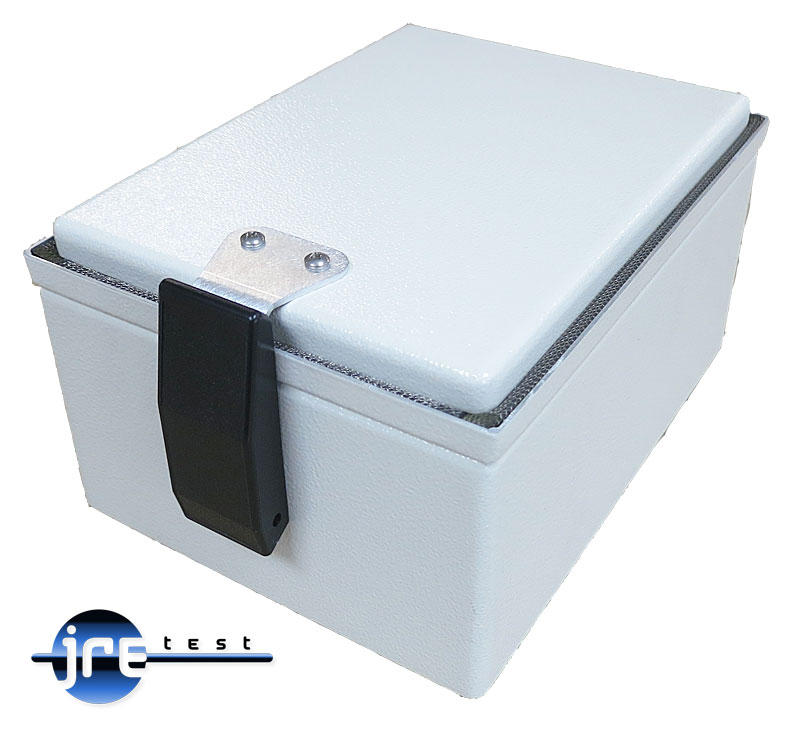
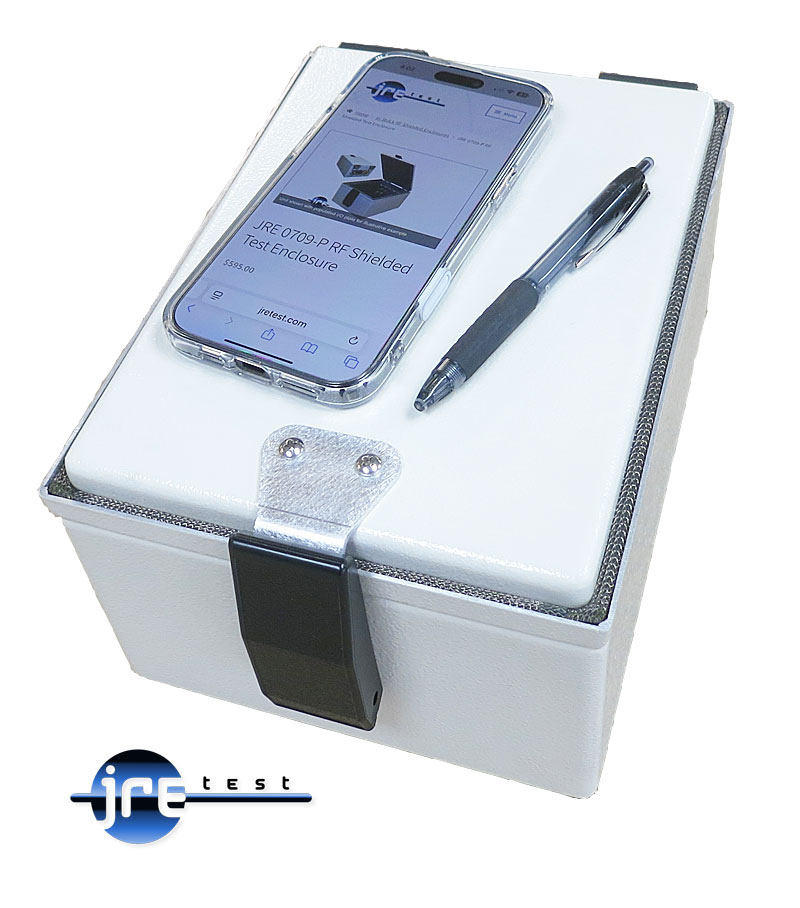
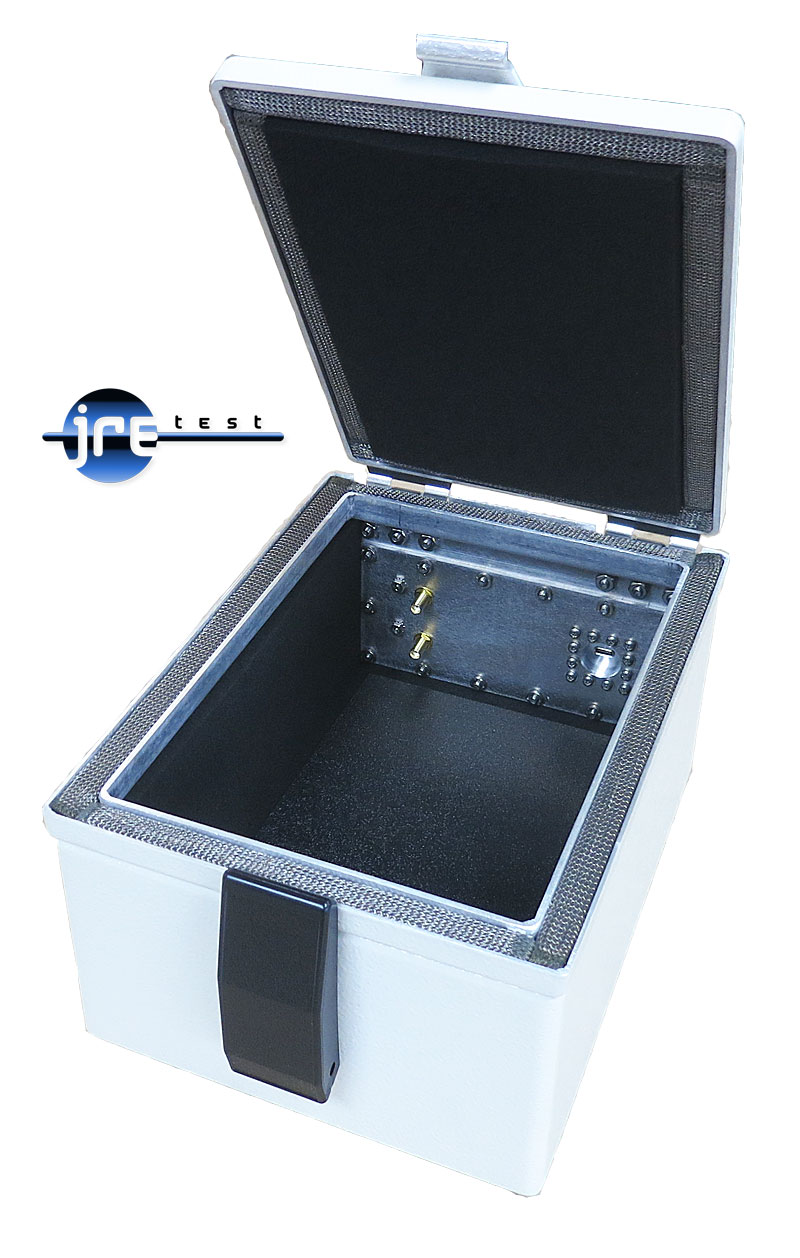
RF Shielded Test Enclosure — Benchtop — JRE 0709-USB-C
Pre-configured JRE 0709 with a USB-C filtered interface, mode-selective filtering, and 2 SMA bulkheads.
JRE 0709-USB-C specifications
- Inside dimensions
- 3.375" H x 6.0" W x 8.5" D (85 x 150 x 215 mm)
- Outside dimensions
- 4.5" H x 7.25" W x 9.75" D (115 x 185 x 250 mm)
- Isolation
- −100 dB DC to 1 GHz, −95 dB to 3 GHz, −85 dB to 6 GHz
- Weight
- 5 lbs (2.3 kg)
- Shipping Weight
- 6 lbs (2.7 kg)
- Shipping Dimensions
- 13" x 10" x 9" (330mm x 255mm x 230mm)
- RF Absorbing Foam Thickness
- 1/2" (13 mm)
- Foam Temperature Rating
- 90 degrees Celsius, UL 94V-0 flammability rating
- RF Feedthru
- 2 each of SMA female bulkheads
- RF Filtered Interface
- One JRE USB-C Filtered interface
- Connector Covers
- Dust cover caps with tether chains included for all RF connectors
JRE 0709-USB-C overview
A USB-C connection is already a settled requirement for some compact tests. The JRE 0709-USB-C makes that path part of the enclosure, and I recommend it when the interface choice is known before the chamber is configured.
- USB-C filtered interface provides a passive conductive data path through the enclosure wall.
- Mode-selective filtering passes differential data unfiltered while filtering common-mode RF interference.
- Interior measures 3.375" H x 6.0" W x 8.5" D (85 x 150 x 215 mm).
- Isolation is −100 dB from DC to 1 GHz, −95 dB to 3 GHz, and −85 dB to 6 GHz.
- 2 SMA female bulkheads include tethered dust caps for protected RF connection points.
- 1/2" (13 mm) RF absorbing foam helps reduce internal reflections and hot-spots.
The JRE 0709-USB-C is in stock at $1,225.00, with the filtered interface and RF feedthroughs already selected. Its compact dimensions are an advantage only when the connected assembly fits without forcing cable bends or crowding the DUT. Make the size decision with the complete setup laid out.
Go deeper
- USB 3 and USB-C Special Considerations Why high-speed USB drops to 2.0 through an RF filter, what speeds to expect at 5/10/20/40 Gbps, and when an active cable is required for the test setup.
- How to Select and Configure an RF Shielded Test Enclosure A practical engineer's guide to sizing an RF test enclosure, configuring I/O plates, choosing filtered data interfaces, power, thermal, and antennas.
- Keeping Your Cool: Heat, Vents, Fans and Airflow in an RF Shielded Test Enclosure Why RF shielded chambers heat up, how to measure real device wattage instead of the label, and how much airflow it takes to hold your temperature rise.
- Mounting Devices Inside an RF Shielded Test Enclosure How to hold your DUT inside a JRE chamber for repeatable RF tests: the removable ABS floor, why plastic not metal, antenna placement and wall drilling.
Pre-Configured Enclosures nearest the JRE 0709-USB-C


Tell us what connections your device needs.
Tell us what connections you need to your device under test — USB, Ethernet, RS-232, RF connectors, etc. We'll spec it out with you. No cart, no checkout: you send an inquiry and we quote it.
Ask an Engineer