
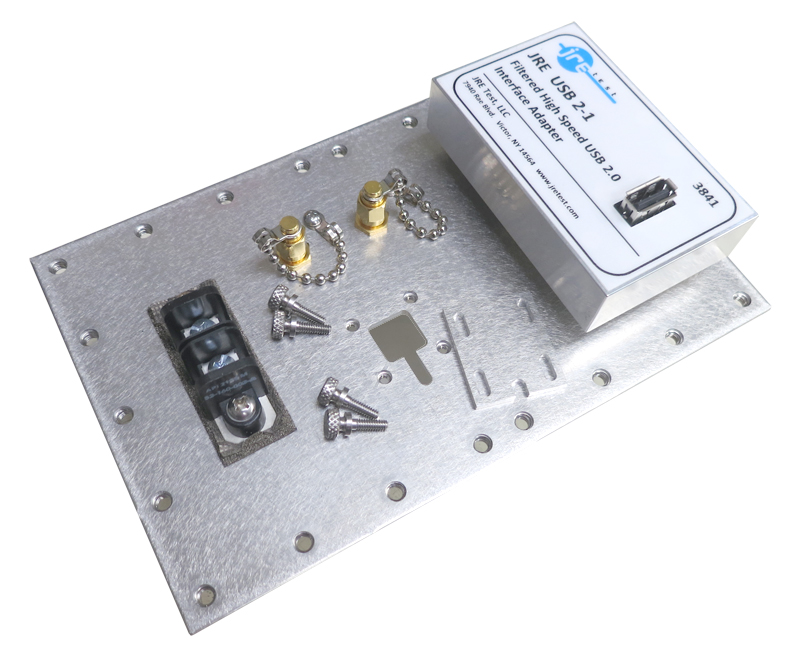
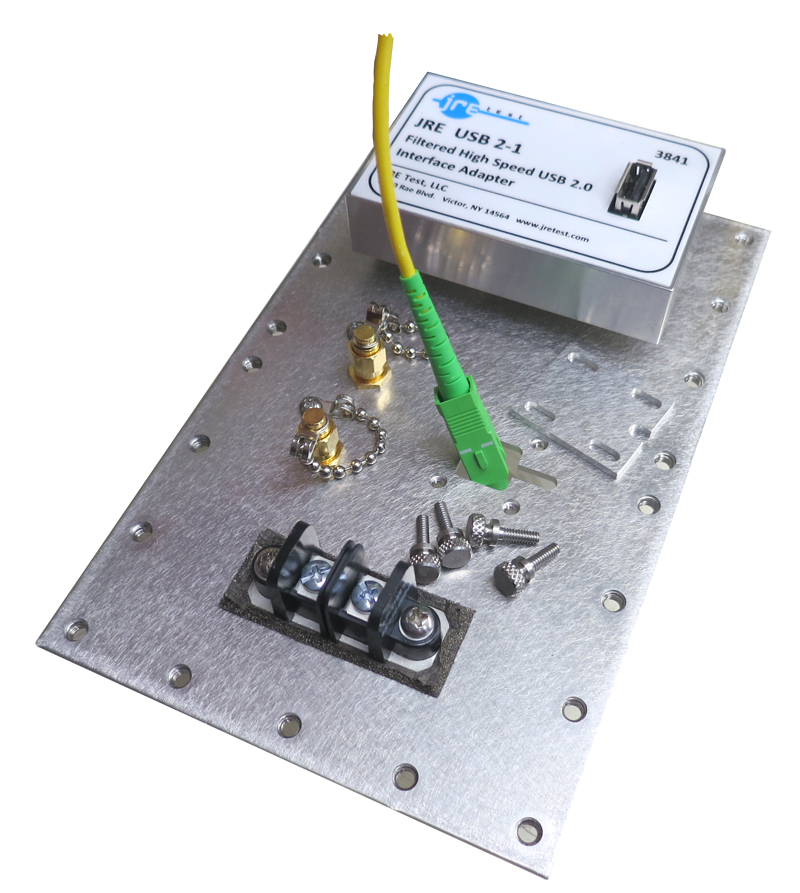
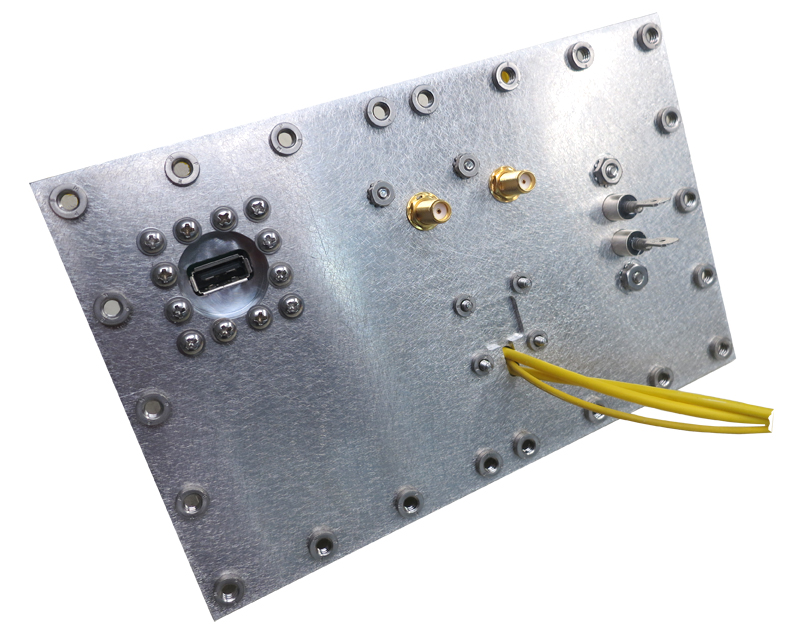
Fiber optic cable pass through portal — JRE FPT
Adjustable fiber-only portal for up to 5 terminated cables, providing 100 dB isolation to 1 GHz and greater than 85 dB to 6 GHz.
JRE FPT specifications
- Isolation
- 100 dB to 1 GHz and greater than 85 dB to 6 GHz
- Max fiber optic cables
- 5
- Portal adjustment range
- 0.13 to 0.35" (3.3 to 8.9mm)
- Shielding isolation
- 100 dB to 1 GHz, >85 dB to 6 GHz
- Included hardware
- Six thumbscrews (2 extra)
JRE FPT overview
The FPT is the straightforward way to bring terminated fiber into an RF enclosure without cutting off connectors or adding an electrical path. Its adjustable machined plate closes around the actual cable bundle, keeping the portal no larger than necessary.
- Capacity for up to 5 fiber optic cables with their connectors attached
- Removable machined plate secured by thumbscrews for quick cable loading
- Slotted portal adjustment from 3.3 to 8.9mm for different fiber bundles
- 100 dB shielding isolation to 1 GHz with the portal properly closed
- Greater than 85 dB shielding isolation to 6 GHz
- Six thumbscrews supplied, including 2 extras in case of loss
- Fiber-only use because conductive cables severely degrade enclosure isolation
I close the portal around the loaded bundle rather than leaving unnecessary clearance. At $90.00, the FPT is the economical fiber route for work within its rated frequency range. When the test extends beyond that range, move to the WGF-6 rather than asking this portal to cover microwave work it was not specified for.
Go deeper
Used in: Defense & Security
- USB-3 and USB-C special considerations Why JRE keeps the filters passive — the copper-through security advantage for defense and forensics.
- Mounting devices inside an enclosure Removable ABS fixture floor, custom in-house hole patterns, and keeping metal out of the test volume.
- About JRE Test In-house fabrication in Victor, NY, John Ramsey's patents, and a team you can actually reach.
- Interface Connector Guide Compare rejection and data-rate details for JRE USB 2, USB 3, USB-C, LAN, fiber and DB filtered I/O, then specify the right interface plate for an enclosure.
Fiber nearest the JRE FPT

Tell us what connections your device needs.
Tell us what connections you need to your device under test — USB, Ethernet, RS-232, RF connectors, etc. We'll spec it out with you. No cart, no checkout: you send an inquiry and we quote it.
Ask an Engineer